Assessments & grading
Grading schemes and scales per subject, weighted results, and report cards.
Admissions, attendance, grading, fees, and parent SMS in one calm workspace. Principals, registrars, and teachers get their time back for students.

Report card · Term 1
SentHana Tesfaye
Grade 12 · Average 91%
A school day
TeledaSMS follows the rhythm of a real school. Every step feeds the next, so nothing is typed twice and families are never the last to know.
07:50
Teachers mark attendance by section from any phone or laptop.
08:05
Families of absent students get an SMS automatically. No app needed.
11:30
Scores roll into the subject’s grading scheme as they are entered.
14:15
The office records Telebirr, CBE Birr, bank, or cash payments against invoices.
Term end
Weighted results become report cards students and parents can open.
The product
Every module shares one set of student records. A grade, a payment, or an absence is entered once and shows up everywhere it matters.
Grading schemes and scales per subject, weighted results, and report cards.
Fee structures by grade, term invoices in ETB, and every payment on record.
Enrollment, sections, guardians, and status changes, from admission to graduation.
Section registers in seconds, with absence alerts sent to families the same morning.
Transactional SMS for absences, grades, and invoices, plus school-wide notices.
Academic years, terms, grade levels, subjects, and teacher assignments in one place.
AI for teachers
TeledaSMS includes an AI question generator powered by Claude from Anthropic. Teachers describe the lesson and get exam-ready questions with answers and explanations. They stay in charge, approving every question before it's used.
Pick the subject, grade and topic. Add learning objectives, or paste your textbook page or lesson notes so questions come only from that text.
Up to 20 questions at a time: multiple choice, true/false or short answer, at easy, medium or hard difficulty, in English or Amharic.
Every question arrives as a draft with its answer and an explanation. Edit or discard any of them. Only the ones you approve go into your question bank.
Saved questions are tagged by subject, topic, difficulty and Bloom’s level, ready to reuse in quizzes and exams.
Generate in the language the class is taught in, Ge’ez script included.
The question generator only sees the topic and notes a teacher gives it. Names, marks and records never leave your school’s workspace.
Progress reports flag students with low scores, low attendance, missing work or falling marks, so teachers can step in early.
Based on a student’s current marks, attendance and progress, parents will get clear, practical tips on how to help at home: which subjects need attention, what to practise this week, and when to talk to the teacher. Suggestions will come in English or Amharic, in the parent portal and by SMS.
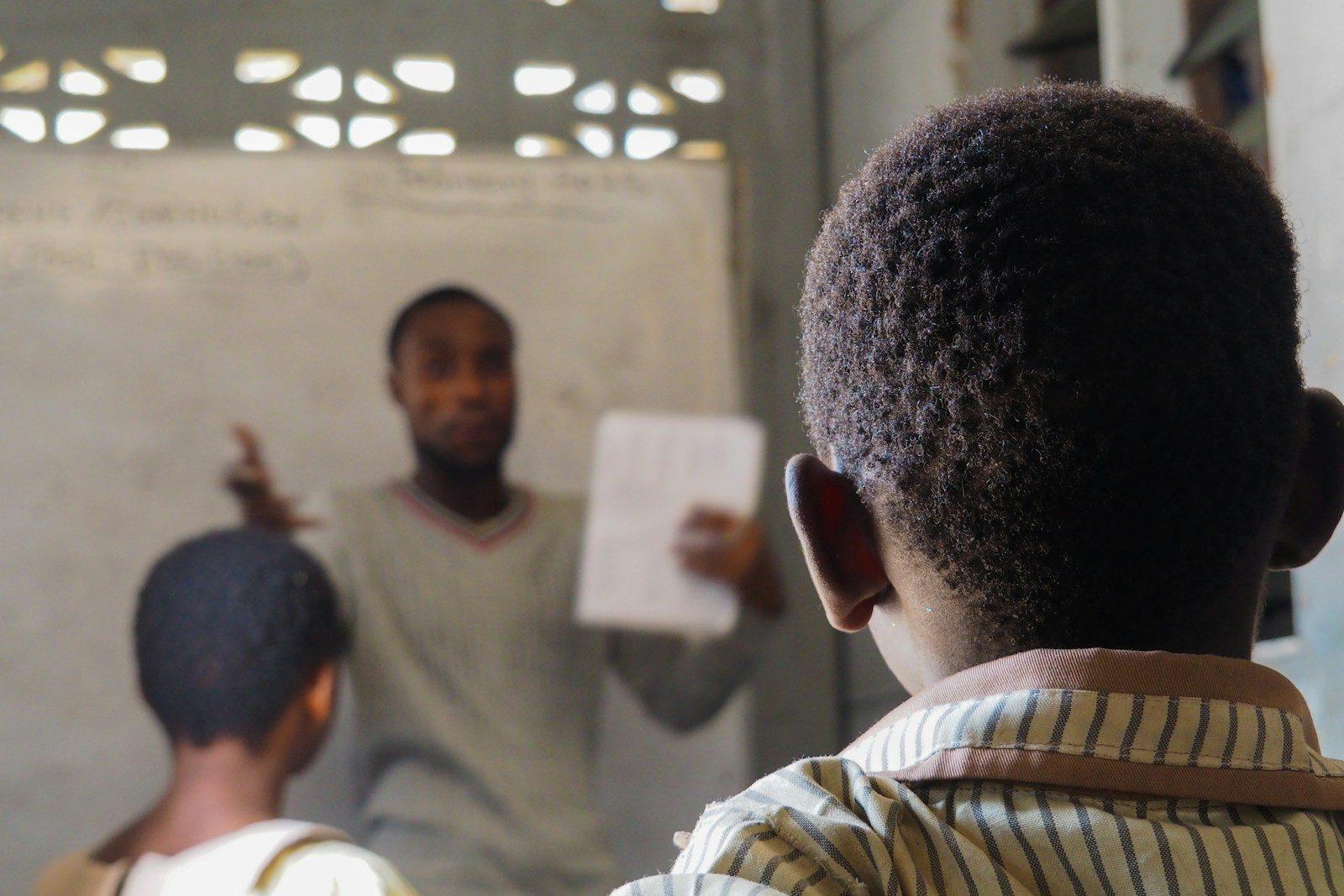
Teachers should spend the day teaching, not chasing paperwork.
The register, the gradebook, and the messages home come off their desk, so lessons get the attention.
See what each role getsOne sign-in, the right workspace
Staff, parents, and students sign in at the same address. TeledaSMS opens a workspace shaped by their role, so no one wades through screens they’ll never use.
School admin
The whole school at a glance, and the controls to run it.
What they see
Built for Ethiopia
Not a foreign system with a translated menu. Calendars, currency, payment habits, and how families stay in touch were designed in from the start.
Set the school calendar the way your school actually plans the year.
Invoices in ETB, with Telebirr, CBE Birr, bank transfer, and cash recorded alike.
Important updates go out by SMS, so families on basic phones are never left out.
Run a single campus, or manage several schools as separate workspaces.
Why schools switch
What changes when everyone works from the same records.
For principals
Enrollment, attendance, and fee collection are always current, so decisions never wait for month-end paperwork.
For teachers
Take attendance in a minute, enter each grade once, and share materials with the class in a few taps.
For the school office
Every invoice and payment lives in one place, with balances the office and parents can both trust.
For families
Absences, results, and school notices reach parents directly, even on the most basic phone.
Get started
No installation and no consultants. A guided setup takes you from sign-up to your first class register.
Setup report card
Your school · First term
Student: Your school
Register your school and follow a short guided setup for your profile, academic year, and modules.
Invite registrars and teachers. Each person lands in a workspace shaped by their role.
Enroll students, take attendance, grade, collect fees, and keep every family informed.
Questions
Still deciding? Start a free trial and explore with your own school’s data.
Enrollment is open
Fill in your school’s name and we’ll take it from there. Your free trial starts the moment you sign up.
Already using TeledaSMS? Sign in